How to make Cursor minimize token spending
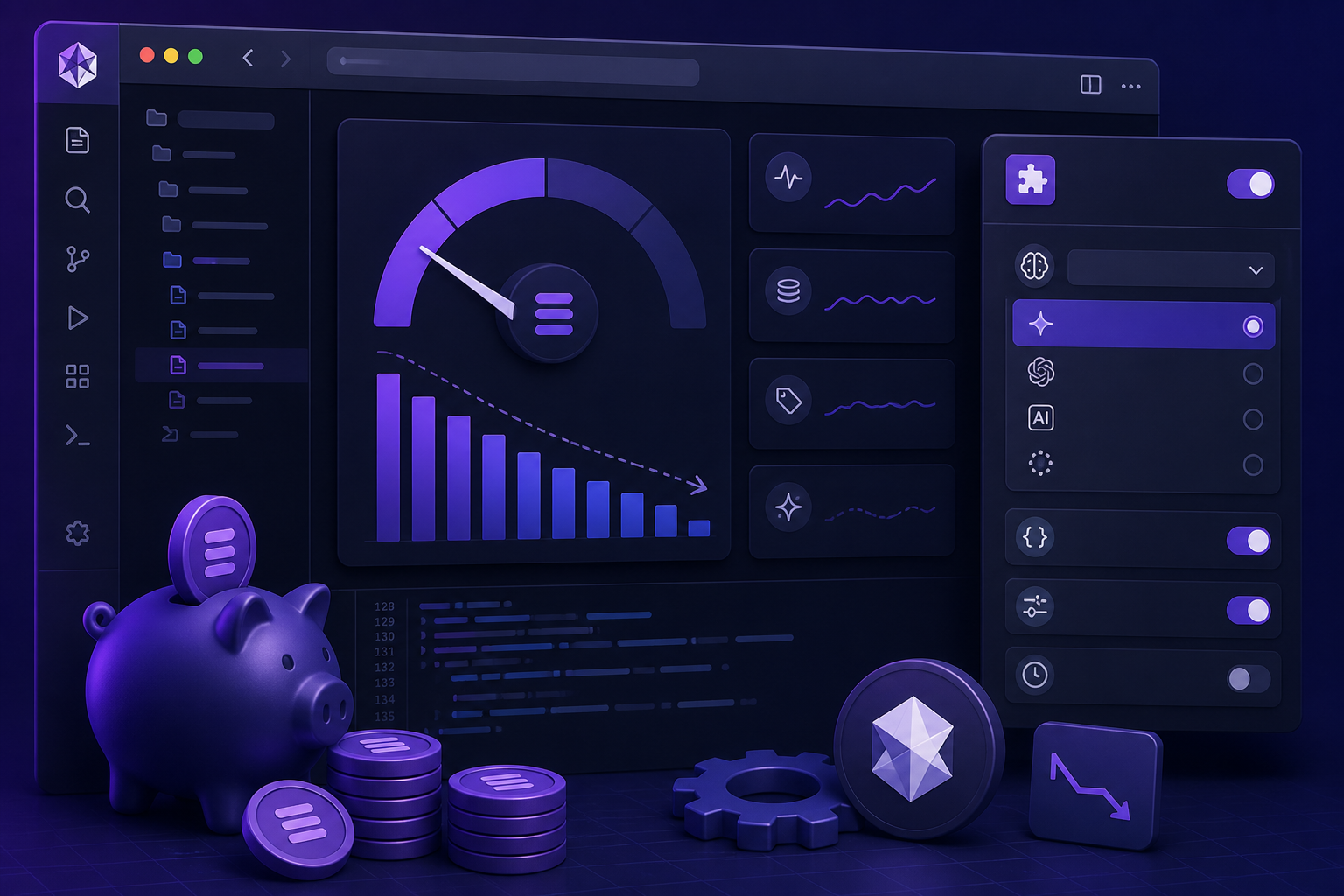
Cursor token spending is easy to overlook: agent-first IDEs are tuned for capability, not budget. A few deliberate choices on models, subagents, and modes can cut your bill without giving up most of the productivity gain.
TL;DR
Switch off expensive modes as your baseline. When you use subagents, inherit the parent model instead of upgrading each one. Disable fast mode for real coding work. And prefer Composer 2.5 for implementation tasks—it delivers strong agentic output at a much better token economics than flagship models used everywhere.
LogNroll Team
Engineering & Product
Why token spend sneaks up on you
Cursor bills on usage, and usage is not just “how many questions you asked.” Every agent turn can include conversation history, tool results, file contents, and subagent output. Turn on premium defaults everywhere and a normal Tuesday refactor starts looking like a weekend hackathon on your invoice.
The good news: you do not need to go back to manual coding. You need defaults that match how you actually work—cheap for routine implementation, expensive only when the problem demands it.
Switch off expensive modes by default
Max mode, long-context models, and cloud agents are powerful—but they multiply token burn on every turn. Keep them off until a task genuinely needs them, not as your baseline.
Inherit subagents to the parent model
When you spawn subagents for exploration, review, or parallel work, set them to inherit the parent model instead of picking a premium default. You still get parallelism without paying top-tier rates on every branch.
Disable fast mode
Fast mode trades quality for speed and often re-runs or over-fetches context to compensate. For most coding tasks, a single well-scoped Composer pass is cheaper than a fast loop that burns tokens on retries.
Prefer Composer 2.5 for coding tasks
Composer 2.5 is tuned for agentic coding at a better cost-to-output ratio than flagship chat models. Use it for implementation, refactors, and test fixes; reserve premium models for architecture or ambiguous design decisions.
Switch off expensive modes
Think of Cursor modes like cloud instance sizes: you would not run a GPU cluster to rename a variable. The same logic applies here—match the mode to the task before you match the task to the most capable model.
| Mode / setting | When it earns its cost | Why it burns tokens | Cheaper default |
|---|---|---|---|
| Max / long-context models | Large refactors across many files, reading entire monorepo slices | Every message includes a huge context window—cost scales with file count | Scope the agent to changed directories; paste only relevant files |
| Cloud agents on long tasks | Overnight runs, multi-step migrations, CI-style iteration | Background runs accumulate tokens across many tool calls | Break work into local sessions with clear stop conditions |
| Parallel premium subagents | Comparing two architectural approaches under time pressure | Three Opus-class agents × full repo context = bill shock | Inherit parent model; run one exploration agent, one review agent max |
| Fast mode loops | Tiny edits where latency matters more than correctness | Hidden retries and broad file reads add up faster than one deliberate pass | Composer 2.5 with a tight prompt and explicit file list |
Inherit subagents to the parent model
Subagents are one of Cursor's best features for parallel work—but they are also a common leak. Launch three explore agents on a premium model and you have tripled input tokens before anyone writes a line of code.
Inherit tells each subagent to use the same model as the parent session. That keeps your orchestration pattern (one lead agent, several specialists) without silently upgrading every branch to the most expensive tier.
Practical subagent split
Parent on Composer 2.5 → subagents inherit → one agent explores, one reviews diff
Parent on Composer 2.5 → three subagents each on flagship models with full repo context
Disable fast mode for real coding
Fast mode feels responsive, but for non-trivial edits it often costs more than it saves. Quick passes can trigger extra tool calls, broader file reads, or follow-up corrections when the first answer was shallow. You pay in tokens for speed you did not need.
For feature work, bug fixes, and refactors, turn fast mode off and let Composer 2.5 run one deliberate cycle: read scoped files, propose a diff, stop. You get fewer loops and a cleaner review surface.
Prefer Composer 2.5 for coding tasks
Not every task needs the most capable general model. Composer 2.5 is optimized for agentic coding—editing files, running commands, iterating on tests—at a price point that makes sense for daily use.
Use Composer 2.5 for
- Implementing a scoped feature or bug fix
- Writing or updating unit tests
- Refactors within one module or package
- Boilerplate, migrations with clear patterns
- Code review comments turned into patches
Upgrade model only for
- Ambiguous architecture with trade-offs
- Security-sensitive design review
- Cross-cutting changes spanning many services
- Novel algorithms with weak tests to guide the agent
Daily habits that compound savings
Start sessions with scope, not “fix everything”
Open with the files, acceptance criteria, and what not to touch. Narrow context is the cheapest context.
Review diffs before asking for another pass
Each follow-up message re-sends conversation history. Read the diff, then send one targeted correction instead of three vague “try again” prompts.
Use Ask mode for questions, Agent mode for changes
Explaining code or comparing options does not need tool loops. Ask mode keeps token spend closer to a single chat turn.
Batch related edits in one agent run
Five one-line fixes in one scoped session usually cost less than five separate agent invocations, each re-loading project context.
A simple settings checklist
Before your next sprint, walk through this once. Future-you will not wonder why usage spiked on agent-heavy days.
- Default model for Agent / Composer: Composer 2.5
- Subagent model: inherit from parent
- Fast mode: off for implementation work
- Max / long-context: on demand only, not always on
- Cloud agents: bounded tasks with explicit done criteria
Bottom line
Cursor is most expensive when every layer of the stack is set to “maximum capability”—parent agent, subagents, fast loops, and huge context all at once. The teams that stay productive without overspending treat premium modes like escalations, not defaults.
Switch off expensive modes. Inherit subagents. Disable fast mode. Reach for Composer 2.5 first. You will still ship with agents—you will just stop paying flagship prices for routine coding.